What you are buying
This exact account — Steam or Epic Games, as shown on the card: GTA 5 and all games from the description are already in the library. The login and password will appear in the order in your personal account right after payment.
Social Club
If the card says Social Club is not linked, sign in to your Rockstar account or create a new one when you first launch GTA 5, and it will be linked to this account. If Social Club is linked, its login details are provided in the order together with the account.
Email access
If the product card shows email access, you can get the login code right in the order or open the mailbox from there. With email access you can change the password and, after some time, the account email as well.
Warranty and support
The warranty period is shown on the product card: 24 hours or at the moment of purchase. If the account does not match the description, contact support within 24 hours of purchase and you will get a refund. Support works 24/7: website chat and Telegram @robogames_support.


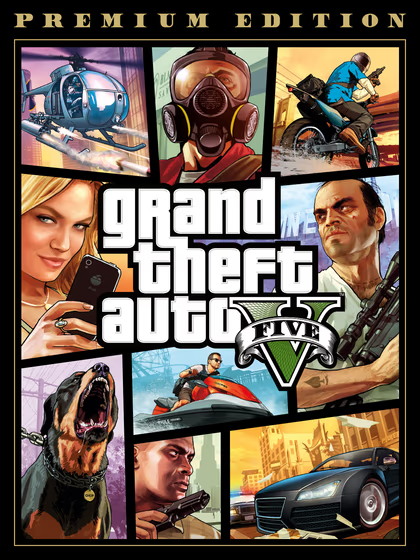 Grand Theft Auto V
 Fortnite
 Unreal Tournament
 ARK ModKit (UE4)
 Unreal Engine


