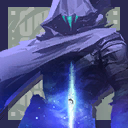


Unranked
Current rank - V26 ACT VI


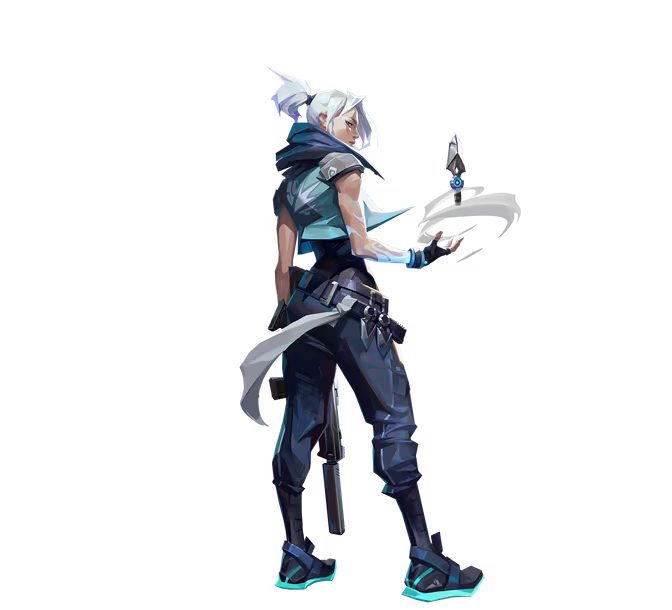
 Jett
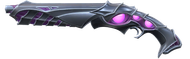 Hivemind Shorty
 Clove
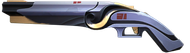 Tilde Shorty

Current rank - V26 ACT VI

Previous act rank - V26 ACT II
Maximum rank - V26 ACT II

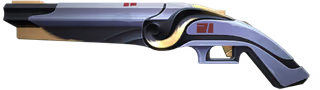
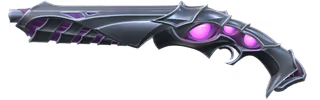
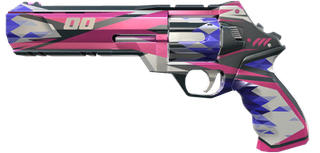
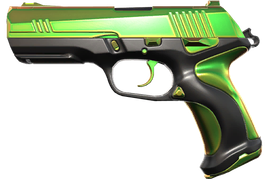
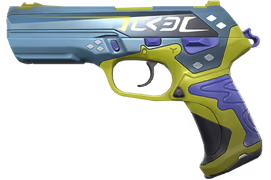
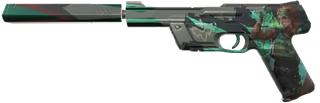
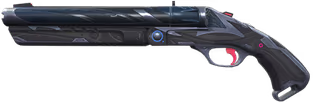
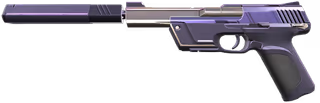
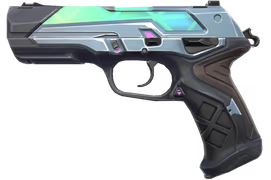
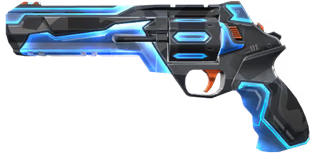
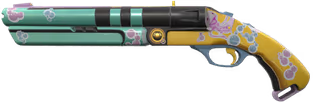
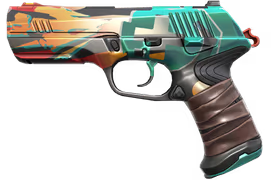
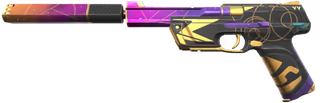
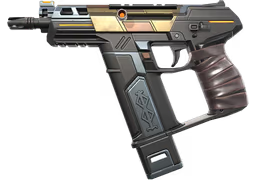
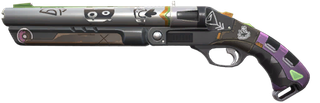
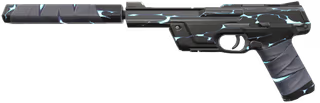
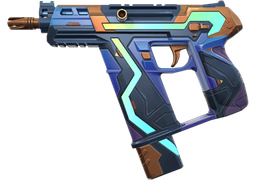


This exact Riot Games account with Valorant: skins, knives, agents, level and rank, as in the description. The login and password will appear in the order in your personal account right after payment.
The account’s region is listed on the card. Europe (EU) is the best fit: it gives the lowest ping from most of Russia and the CIS. You can also play on accounts from other regions; the ping will be higher, because an account plays on its own region’s servers.
If the card lists email access, you can get the login code right in your order with the “Get code” or “Go to email” button. If the card says “Can change email”, you can replace the account’s email with your own in the Riot Games account settings.
The warranty period is listed on the card: 24 hours or at purchase. If the account does not match the description, contact support within the warranty period and you will get a refund. Support is available 24/7: chat on the website and Telegram @robogames_support.
Copy the login and password from the order in full, without spaces, and check your keyboard layout. If you still cannot log in, contact support within the warranty period and attach a screenshot of the error: chat on the website or Telegram @robogames_support.
Check the account’s region on the product card: with an account from another region, the game may connect with high ping or show an error. If the error persists, contact support within the warranty period and attach a screenshot: chat on the website or Telegram @robogames_support.
Riot may send a code to the account’s email, for example when you sign in from a new device. If the card lists email access, get the code in your order with the “Get code” or “Go to email” button. If there is no email access or the code does not arrive, contact support: chat on the website or Telegram @robogames_support.